Web Design
We Measured 36 Dominican Hotel Websites on Mobile. The Results Surprised Us.
Sep 6, 2026
11 min read
researchstudy
Read More
Launching a website feels like crossing a finish line. After weeks of work, you click "publish," share the link, and relax. But here is the uncomfortable truth that catches many businesses off guard: the moment you go live is not the end of the work — it is the most error-prone moment of the entire project, and the mistakes made here are often invisible until they have already cost you customers and rankings.
Think of launching a website the way you would think of opening a new store. Before you unlock the doors to customers, you do not just hope everything works. You check that the lights turn on, you test that the front door opens, you make sure customers can find the counter, and you confirm that the payment system actually takes money. A website launch deserves the same final walk-through — and most businesses skip it, going live with broken forms, a setting that hides them from Google, or a booking button that does not work.
This checklist is that walk-through. Twenty concrete things to verify before your Dominican business website goes live, organized into three stages: the pre-launch checks that harden your site, the launch-day steps that bring it online correctly, and the post-launch tasks that catch what the first two missed. None of these items is difficult. They are simply easy to forget — and forgetting them is expensive.
These are the checks that should be complete and verified before you even think about going live.
1. Confirm Google is allowed to see your site. This is the single most important and most commonly catastrophic launch check. During development, websites are usually built with an instruction telling Google to stay away (a Disallow: / rule in a file called robots.txt, or "noindex" tags) so the unfinished site does not appear in search results. If that instruction is accidentally left in place when you go live, your finished website becomes completely invisible to Google — silently de-indexed for weeks while you wonder why no one is finding you. This one mistake has erased entire businesses from search. Before launch, confirm this blocking instruction has been removed. We explain the whole trap in detail in is your robots.txt blocking Google.
2. Test the site on a real phone, on mobile data. Not on your office WiFi, not only on a desktop — on an actual phone using cellular data, the way your tourists will experience it. Check that everything loads, looks right, and works. For most Dominican tourism businesses, the mobile experience is the experience, so this test matters more than any desktop check.
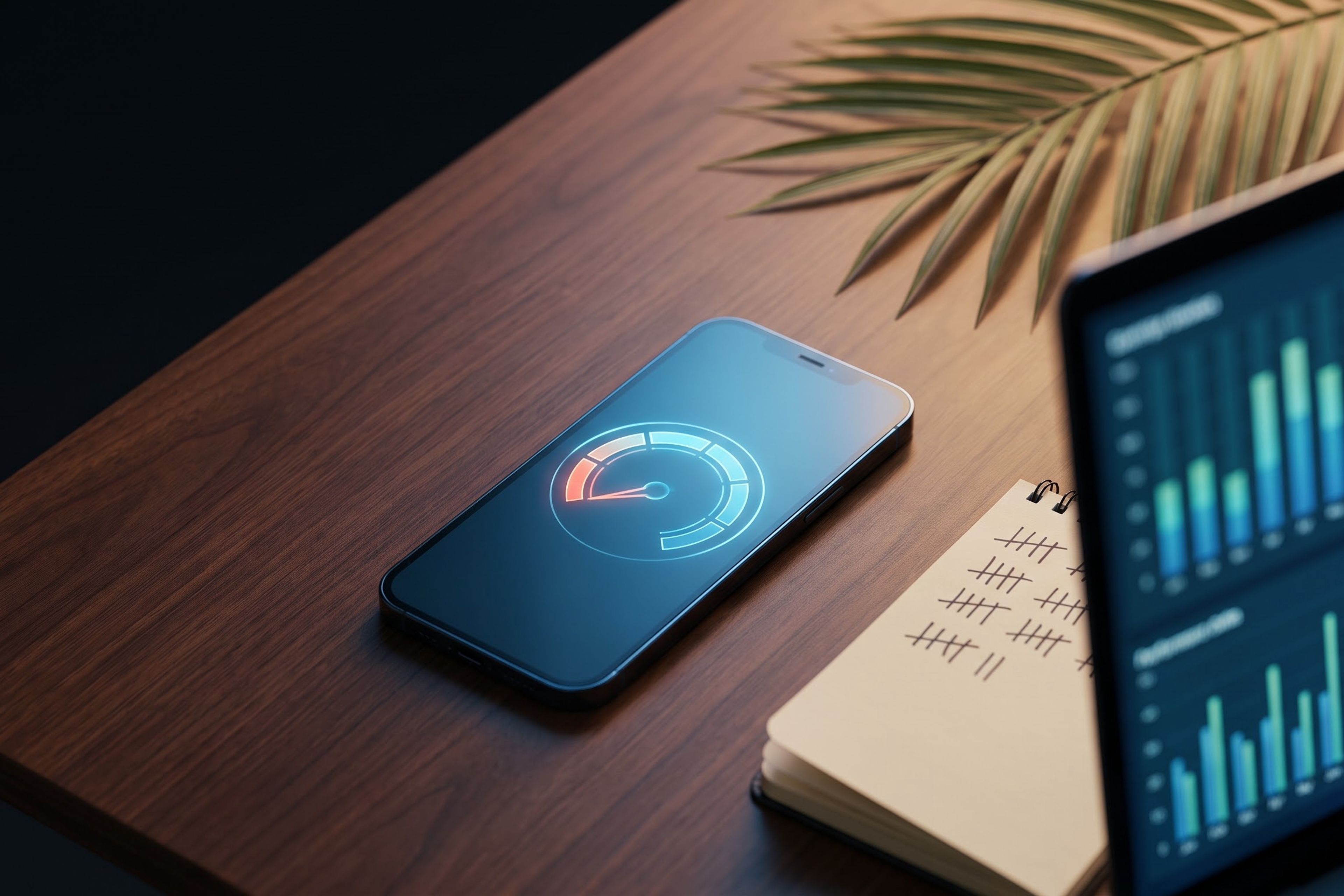
3. Run a real speed test. Put your site through Google PageSpeed Insights on mobile before launch. In 2026, Google's Core Web Vitals are no longer a tiebreaker — they are a threshold. Pages that miss the targets (largest content loading within 2.5 seconds, interaction response under 200 milliseconds, and minimal unexpected layout shifting) lose eligibility for top rankings on competitive searches. Aim for a green score; our guide on Core Web Vitals explains the targets.
4. Confirm every image is optimized. Unoptimized photos are the most common cause of a slow launch. Verify your images are in modern formats (WebP or AVIF), properly sized, and lazy-loaded — especially critical for the photo-heavy tourism sites where imagery is the product. Our article on image optimization covers how.
5. Click every link. Methodically click every link on every page. Broken links frustrate visitors, waste the trust you have earned, and signal low quality to Google. This is tedious and absolutely worth it.
6. Test every form. Fill out and submit each contact, inquiry, or booking form yourself, and confirm the message actually arrives in the right inbox. A form that looks fine but silently fails to deliver is one of the most expensive launch bugs — every lead it drops is a customer you never knew tried to reach you.
7. Proofread everything, in both languages. Read every page of text for typos, grammar, and accuracy — in English and Spanish if your site is bilingual. Errors undermine the professionalism and trust your website exists to build. Pay special attention to prices, dates, and contact details.
8. Verify your contact information is correct and consistent. Phone number, WhatsApp number, email, address, and hours should be correct and identical everywhere they appear. Inconsistent contact details confuse customers and weaken your local search signals.
9. Confirm the security padlock (HTTPS). Your site must load over HTTPS, showing the padlock icon in the browser. Without it, browsers warn visitors that your site is "not secure" — an instant trust-killer — and Google penalizes it. This is non-negotiable for any site, especially one handling bookings or payments.
10. Check your bilingual setup is technically correct. If your site is in English and Spanish, confirm the language switcher works, that each language has its own proper URL, and that the technical hreflang signals telling Google which version to show which visitor are correctly in place. Done wrong, a bilingual site confuses Google and ranks poorly in both languages — the exact problem we cover in bilingual SEO.
11. Confirm your meta titles and descriptions are written. Every page needs a unique, deliberate meta title and description — the text that appears in Google search results. Default or missing ones waste your most valuable search real estate. Make them clear, compelling, and accurate.
12. Check the social sharing preview. When someone shares your link on WhatsApp, Facebook, or Instagram, it should display a proper image, title, and description (controlled by Open Graph tags). A link that shares as a blank, ugly box looks unprofessional and gets fewer clicks — and in the WhatsApp-driven Dominican market, link sharing matters enormously.
13. Test on multiple browsers and devices. Check your site on Chrome, Safari, and at least one other browser, across a phone, tablet, and desktop. Something that looks perfect on your device may break on another. Tourists arrive on every device imaginable.
14. Confirm the small trust details. Your logo and favicon (the tiny icon in the browser tab) should display correctly. Fonts should be consistent — no rogue typefaces sneaking in. A 404 "page not found" page should exist and helpfully guide lost visitors back. These small things signal professionalism.
15. Submit your sitemap to Google Search Console. On launch day, verify your site in Google Search Console and submit your XML sitemap — the map that tells Google about all your pages so it can find and index them. This actively invites Google to crawl your new site rather than waiting for it to stumble upon you. Our article on what a sitemap is explains why this matters.
16. Connect and verify your analytics. Set up Google Analytics and confirm it is actually recording visits on the live site — not just the staging version. Without working analytics from day one, you are flying blind, with no way to know whether your site is working or where visitors come from. Verify it fires correctly before you announce the launch.
17. Set up or update your Google Business Profile. For any local Dominican business, your Google Business Profile is how you appear in Google Maps and local search. Make sure it exists, is verified, and links to your new website with consistent information. This is often where the majority of local customers find you — as we explain in why your business doesn't appear on Google Maps.
The launch is not a single moment — it is the start of a roughly 30-day window where you confirm everything is working under real conditions.
18. Test the full customer journey on the live site. Once live, go through the entire path a real customer would take — find a service, read about it, and complete a booking or inquiry — on the live site, on your phone. The booking and payment flow especially must be tested with real conditions, because a broken checkout means lost money, not just lost goodwill.
19. Monitor for broken pages and errors. In the days after launch, watch Google Search Console for crawl errors and 404s. Even with careful preparation, some old links may break or some pages may not index cleanly. Catching and fixing these early prevents them from quietly hurting your rankings and your visitors' experience.
20. Confirm your WhatsApp and contact channels work live. Tap your own WhatsApp button from a phone and confirm it opens a chat to the right number. Send yourself a message through every contact channel on the live site. In the Dominican market, where so much business happens over WhatsApp, a broken WhatsApp link on launch day is a direct line to lost bookings — and it is trivial to test and easy to forget.
Most launch problems are not design problems — they are planning problems. Teams treat the launch as a single button-push when it is really a careful sequence: hardening the site before, bringing it online correctly during, and monitoring closely after. The businesses that treat launch this way go live cleanly and start performing from day one. The ones that treat it as "just hit publish" are the ones that discover three weeks later that their site was invisible to Google the whole time, or that their booking form never worked.
For a Dominican business, where your website is often your single most important sales tool and your customers are mostly mobile tourists making fast decisions, getting the launch right is not a technical nicety — it is the difference between a website that earns from day one and one that quietly loses customers from day one.
At DR Web Studio, every site we build goes through exactly this kind of rigorous pre-launch and post-launch process as standard — the robots.txt check, the speed verification, the bilingual setup, the form and booking tests, the Search Console submission, the live-site monitoring. It is part of what you are paying for when you work with a professional team rather than launching a template yourself and hoping.
If you are preparing to launch a website — whether we are building it or you simply want a professional set of eyes on it before you go live — request a free consultation. We will make sure your launch is the clean, confident kind that starts working for your business immediately, not the kind you spend the next month untangling.
You only get one launch. Make it the walk-through, not the leap of faith.