Business Tips

This isn't just a technical comparison. We're going to break down what each platform means for your bottom line, your team, and your customers. By the end of this article, you'll understand exactly which platform aligns with your business goals.
Before we dive into the comparison, let's clarify what we're actually comparing.
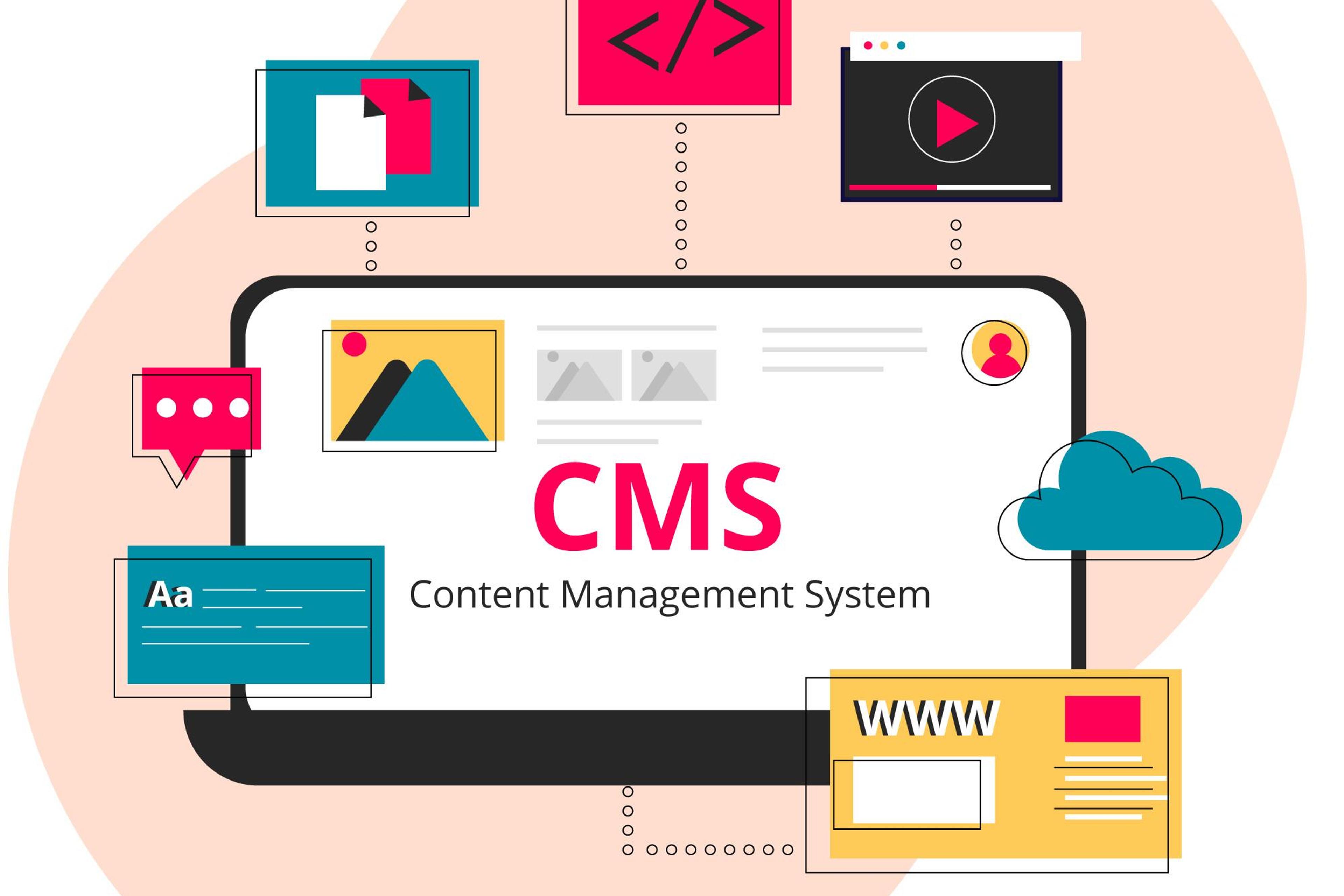
WordPress is a content management system (CMS) that's been around since 2003. It's a complete package—content management, hosting compatibility, and thousands of plugins and themes. You log into an admin dashboard, add content, install plugins, and your site is live. It's designed to be accessible to non-technical users.
Next.js is a modern React framework created by Vercel. Unlike WordPress, it's not a CMS—it's a development framework that developers use to build extremely fast, scalable websites and web applications. It requires coding knowledge but offers unprecedented performance and flexibility.
Think of it this way: WordPress is like buying a fully furnished apartment—everything's ready to go. Next.js is like hiring an architect to design a custom solution built exactly to your specifications.
WordPress sites typically load in 3-6 seconds on average. With optimization, caching plugins, and a CDN, you might get that down to 2-3 seconds. But here's the problem: every plugin you add, every theme feature you enable, and every piece of dynamic content slows things down.
For a Dominican business serving customers on mobile networks in Santo Domingo or Santiago, those extra seconds translate directly to lost sales. Research shows that 53% of mobile users abandon sites that take more than 3 seconds to load.
Next.js sites routinely load in under 1 second—often in milliseconds. This isn't magic; it's architecture. Next.js uses:
For e-commerce businesses, this speed difference is enormous. Amazon found that every 100ms of latency costs them 1% in sales. Your Dominican business might not be Amazon, but the principle holds: faster sites convert better.
Winner: Next.js by a significant margin. The performance gap is measurable and meaningful for business outcomes.
WordPress powers over 40% of the web, which makes it the #1 target for hackers. The WordPress core is reasonably secure, but the ecosystem is the problem:
You'll need security plugins, regular updates, strong hosting, and constant vigilance. One compromised plugin can expose customer data, payment information, and business records.
Next.js applications have a smaller attack surface by design:
This doesn't mean Next.js sites are unhackable, but the architecture inherently reduces risk. For businesses handling sensitive customer information, this matters.
Winner: Next.js for inherent security advantages, though WordPress can be secured with proper management.
Let's be transparent about real costs for Dominican businesses:
Initial Setup:
Ongoing:
Total Year 1: $900-$2,500 Annual Ongoing: $800-$2,400
Initial Setup:
What's Included:
Ongoing:
Total Year 1: $950-$2,500 (depending on features) Annual Ongoing: $0 first year, then $1,140/year (optional)
WordPress appears cheaper initially, but hidden costs in plugins, security incidents, and performance issues add up quickly.
Next.js with DR Web Studio offers clear upfront pricing with 1 year of free maintenance included. More importantly, the performance and security advantages often generate ROI through better conversion rates.
Winner: Depends on your timeline. Short-term budget? WordPress might seem cheaper. Long-term value and ROI? Next.js delivers better outcomes.
Scenario: Your online store does 100 sales per week at $50 average.
With Next.js performance improvements (conservative 15% conversion increase):
Your $950-$1,850 investment pays for itself in 1-2 weeks and generates tens of thousands in additional revenue.
Running a WordPress site requires regular attention:
For a small business owner in the Dominican Republic, this is either time you're spending (away from your business) or money you're paying someone else. Budget 5-10 hours per month minimum.
Next.js sites require minimal ongoing maintenance:
Most Next.js sites can go months without technical intervention. When updates are needed, they're strategic improvements, not emergency patches.
With DR Web Studio, we include 1 year of free maintenance with every new build—that's $1,140 in value. After that, maintenance is just $95/month and entirely optional.
Winner: Next.js for significantly lower maintenance burden.
WordPress can handle large sites, but requires:
A WordPress site that works well with 1,000 daily visitors may struggle with 10,000 without costly infrastructure upgrades.
Next.js scales naturally:
Your Punta Cana hotel mentioned on a popular travel blog can handle 10,000 visitors in an hour without issues or additional costs.
Winner: Next.js for effortless scalability and predictable costs.
WordPress offers flexibility through:
But flexibility comes with limitations:
Next.js offers complete freedom:
If you can imagine it, Next.js can build it. You're not limited by what exists in a plugin ecosystem.
Winner: Next.js for true flexibility without restrictions.
WordPress can create good user experiences, but:
Next.js prioritizes modern UX:
For your customers browsing on mobile on Dominican networks, this difference is tangible.
Winner: Next.js for superior user experiences.
WordPress is SEO-friendly:
But it has downsides:
Next.js excels at modern SEO:
In 2026, Google prioritizes speed and mobile experience—areas where Next.js dominates.
Winner: Next.js for modern SEO, especially considering Core Web Vitals.
WordPress handles multiple languages with plugins like WPML or Polylang:
Next.js handles multiple languages natively:
For Dominican businesses serving Spanish and English markets, this matters. Our multilingual solution starts from $800.
Winner: Next.js for superior multilingual implementation.
WooCommerce is popular but:
Next.js enables modern e-commerce solutions:
For Dominican online stores, checkout speed can mean the difference between a sale and an abandoned cart.
Winner: Next.js for high-performance e-commerce.
For businesses in the Dominican Republic competing in increasingly digital markets, the platform choice matters more than ever. Your competitors are discovering these advantages. International companies entering the DR market are bringing Next.js-level performance expectations.
The question isn't just "Which platform works?" Both work. The question is "Which platform positions my business for the next 5 years of growth?"
Punta Cana Hotel (Next.js):
Santo Domingo Restaurant (Next.js):
E-commerce Store (Next.js):
We've built our pricing to make Next.js accessible to Dominican businesses:
Every new build includes:
Save $1,270 over 3 years while getting a superior site.
Already have a WordPress site? You don't need to start from scratch. Our website migration preserves:
Migration pricing: Starting from $600 Typical timeline: 1-2 weeks Result: 3-5x faster site with your existing content
WordPress democratized web publishing and remains a solid choice for certain use cases. Next.js represents the future of web development—faster, more secure, more scalable, and more maintainable.
For Dominican businesses serious about digital growth, Next.js offers advantages that directly impact revenue, customer experience, and competitive positioning. The investment pays for itself through better performance, lower ongoing costs, and superior business outcomes.
Your website is your 24/7 salesperson and often your customer's first impression. Choose the platform that empowers your business, not one that limits it.
Ready to explore what a Next.js solution could do for your business? Let's discuss your specific needs and find the right platform for your goals.
Explore more about modern web development on our blog: