Technology
What Are llms.txt and llms-full.txt — and Does Your Business Actually Need Them?
Jul 1, 2026
8 min read
llms.txtAI SEO
Read More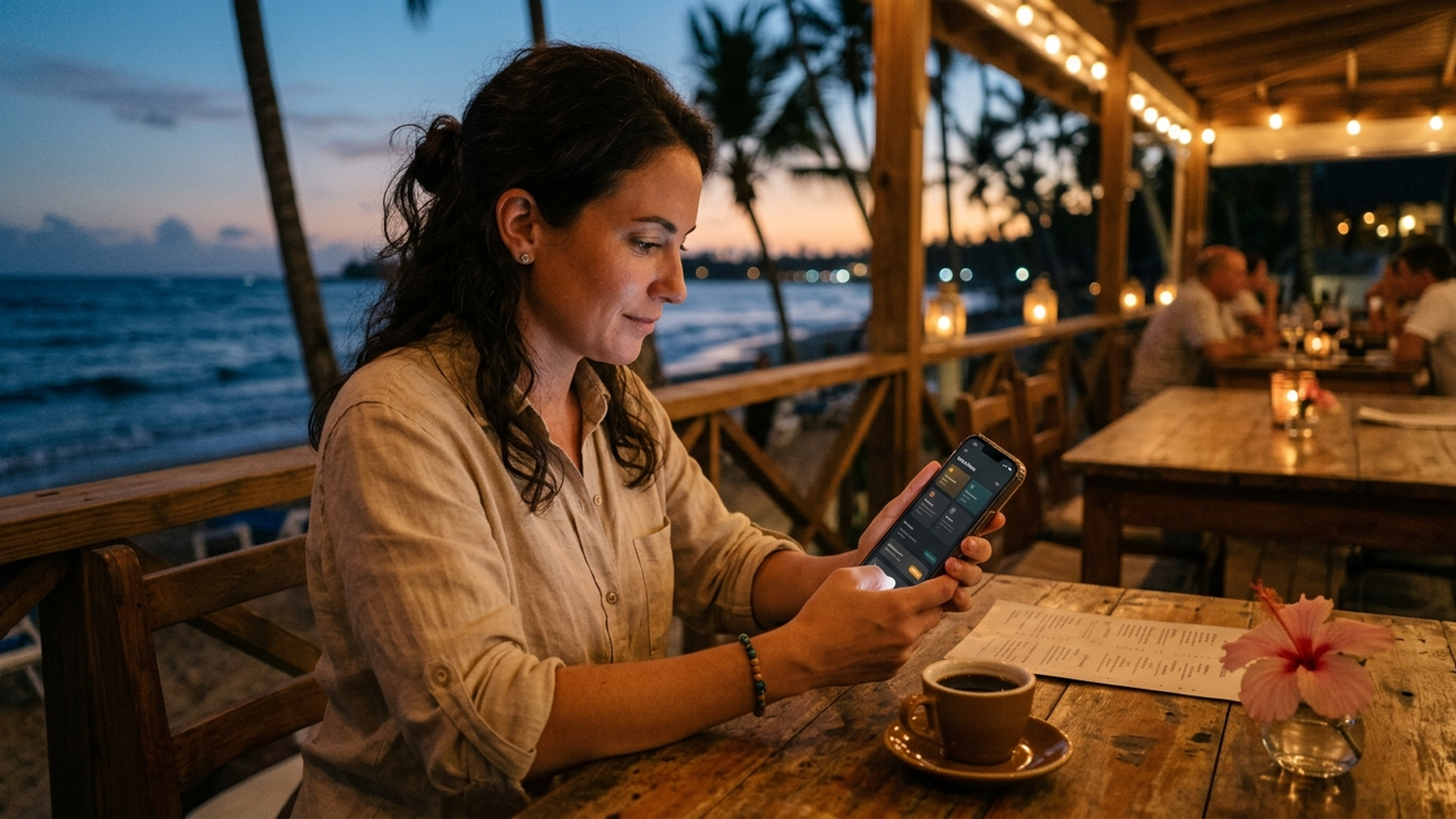
Pull out your phone and look at the apps you use most. Your messaging app, your banking app, your favorite streaming service — there is a good chance many of them are showing you white text on a dark background. That is dark mode, and it has quietly become one of the most preferred ways people experience digital products.
For a Dominican business owner, dark mode might sound like a purely cosmetic choice — a nice-to-have, a designer's preference, something that does not really affect the business. But that view misses what dark mode has actually become: a signal. To the modern visitor, especially a younger or international one, a website that offers a polished dark mode reads as current, considered, and premium. A website with no dark mode option, glaring white at them at night, reads as a little behind.
This article explains what dark mode is, why so many people now prefer it, what it can do for your business, and — importantly — when it is not the right choice. Because like every design decision, dark mode is right for some businesses and wrong for others, and a good developer will tell you which you are.
Dark mode is simply an alternative color scheme for a website or app that uses a dark background (deep grays or near-black) with light text, instead of the traditional dark text on a white background. Most well-built modern websites that offer it let the visitor switch between light and dark — or, even better, automatically match whatever the visitor's phone is already set to.
That last point matters. Most smartphones now have a system-wide dark mode setting, and a large share of people have turned it on and left it on. When someone with their phone set to dark mode visits a website that respects that setting, the site appears in dark mode automatically — comfortable and consistent with everything else on their device. When they visit a website that ignores it and blasts them with bright white, the contrast is jarring, especially at night. That small moment of discomfort is a small mark against your brand, made before the visitor has read a word.
Dark mode went from a niche developer preference to a mainstream expectation remarkably fast, and the preference is now overwhelming. By 2025, around 82% of mobile users reported preferring dark mode, and surveys have found roughly 68% of internet users prefer it for all their browsing. Among younger users — the 18-to-24 group — preference runs even higher, above 76%. This is not a fringe taste. It is the majority, and it skews toward exactly the younger, mobile-first, international audience many Dominican tourism businesses want to reach.
There are concrete reasons behind the preference, beyond fashion.
Eye comfort. Dark mode reduces eye strain in low-light conditions — the hotel room at night, the evening by the pool, the late-night browsing session when someone is planning tomorrow's activities. For the tourist researching your business from bed before they fall asleep, a softer dark screen is simply more comfortable than a bright white one.
Battery savings. On the OLED screens used by most modern phones, dark mode meaningfully reduces battery consumption — studies show savings ranging from about 47% up to 63% in high-brightness conditions. A tourist conserving phone battery during a long day out has a real, practical reason to keep dark mode on, and to appreciate a website that respects it.
Aesthetic preference. Many people simply find dark interfaces more elegant, modern, and premium-feeling. A well-designed dark theme can make photography and color pop in a way that bright white backgrounds cannot, which matters enormously for visual businesses.
Engagement data backs up the preference. Users with dark mode enabled have been found to spend meaningfully longer in apps, and at least one media company that implemented a polished dark theme reported a dramatic drop in bounce rate alongside a large increase in pages viewed per session. People stay longer in an experience that is comfortable to look at.
Beyond comfort and battery, dark mode does something more strategic for a business: it signals quality.
In the markets where Dominican tourism and premium service businesses compete, the brands that feel most expensive and most trustworthy tend to use sophisticated, often dark-toned design. Think of how luxury watches, high-end hotels, and premium experiences present themselves — restrained, elegant, frequently dark. When your website offers a beautifully executed dark mode, it borrows that same association. It tells the visitor, before they have consciously processed it, that this is a serious, current, premium business.
This matters most for businesses selling higher-consideration, emotionally significant, or luxury experiences — exactly the kind of businesses that thrive in the Dominican market. A wedding photographer, a proposal-planning service, a luxury villa rental, an artisan brand, a fine-dining restaurant: for all of these, the feel of the website is part of the product. A dark, elegant interface that makes the photography glow does real persuasive work. It is the same trust-signaling principle we explore in our article on why businesses are losing tourists to competitors with better websites — the polish of the website shapes the visitor's judgment of the business itself.
Two projects in our own portfolio were built with dark mode for exactly this reason. The Esencias by Nancy artisan resin store uses a dark palette designed to make handcrafted product photography pop against deep, rich backgrounds — positioning a small artisan brand as refined rather than craft-fair. And Punta Cana Photo Edition, a luxury wedding photography studio, uses dark-toned design to make wedding imagery feel cinematic and premium. In both cases, dark mode was not decoration — it was part of how the brand communicates its quality.
Here is where many trend-chasing articles mislead you. Dark mode is genuinely excellent for many businesses, but it is not universally correct, and forcing it where it does not belong hurts more than it helps.
First, a critical principle: the right approach is almost always a toggle, not forcing dark mode on everyone. While the majority now prefer dark mode, roughly 42% of users still prefer light mode in certain contexts — reading long text in bright daylight, for instance. The best implementation lets the visitor choose, or automatically matches their device setting, rather than imposing one mode on everyone. A website that only works in dark mode, with no option, is as inconsiderate as one that ignores dark mode entirely.
Second, some types of content and some industries are genuinely better in light mode. Interfaces with dense text that people read for a long time can be harder to read in dark mode for some users. Industries where clarity and clinical accuracy are paramount — healthcare, certain financial and legal contexts — often do better in clean, high-contrast light design, where dark mode can introduce readability concerns. If your website is mostly long-form reading or precise data, light-first with an optional dark toggle is the wiser default.
Third, dark mode is only an asset when it is executed well. A poorly implemented dark mode — with low contrast that makes text hard to read, images that were only designed for white backgrounds and now look wrong, or inconsistent sections where some parts went dark and others did not — is worse than no dark mode at all. Doing it properly requires care with contrast ratios (for both aesthetics and accessibility), images that work on dark backgrounds, and thorough testing. This is precisely the kind of detail that separates a professionally built site from a template, and it is why dark mode is not a checkbox you simply switch on.
One genuine benefit worth highlighting: done correctly, dark mode supports accessibility. For some users with visual sensitivities or certain conditions, a dark interface with proper contrast is easier and more comfortable to use. Offering both light and dark modes means more people can comfortably use your website in the way that suits them — which is both good ethics and good business, since an accessible site reaches more potential customers.
The key qualifier is "with proper contrast." Accessibility is exactly where a careless dark mode fails: light gray text on a dark gray background might look sleek to a designer but be genuinely hard to read for many people. Proper dark mode respects established contrast standards so the elegance never comes at the cost of legibility.
The reason dark mode has become so common is partly that modern web technology makes it straightforward to implement well — when the site is built properly from the start. On a modern Next.js-based website like the ones we build, dark mode can be designed in from the foundation: detecting the visitor's device preference automatically, offering a clean toggle, and ensuring every page, image, and component looks intentional in both modes. It becomes part of the design system rather than a bolt-on.
This is much harder to retrofit onto an older site that was never designed with it in mind, which is part of why dark mode is both a signal of a modern build and a feature best planned for at the start of a project rather than added later. When you brief a developer for a new site — something we cover in our guide on how to brief a web developer — raising dark mode as a goal upfront lets it be built in cleanly rather than patched on awkwardly.
Here is the honest summary.
If you run a premium, visual, or higher-consideration business — wedding photography, luxury rentals, fine dining, proposal or event services, an artisan or design-forward brand — a beautifully executed dark mode (offered as a toggle or device-matched) is a genuine asset. It signals quality, it flatters your photography, it matches what your younger and international customers prefer, and it makes your brand feel current and considered. For these businesses, dark mode is worth doing, and worth doing well.
If your website is mostly dense text, precise data, or in an industry where clarity is paramount, light-first design with an optional dark toggle is the smarter default — you still respect the dark-mode preference without compromising readability.
And in all cases, the right implementation respects the visitor's choice rather than forcing a single mode on everyone, and is executed with the care that keeps it elegant and readable.
At DR Web Studio, we build dark mode into the modern websites we create when it serves the brand — as we did for the artisan and photography clients in our portfolio — and we advise against it or implement it light-first when that better serves the business. Either way, it is designed in properly from the foundation, with attention to contrast, imagery, and accessibility, not switched on as an afterthought.
If you are planning a new website and want it to feel as current and premium as your business deserves, request a free consultation. We will talk through whether dark mode is right for your brand, your audience, and your content — and if it is, we will build it so it does real work for you, not just follow a trend.