Business Tips
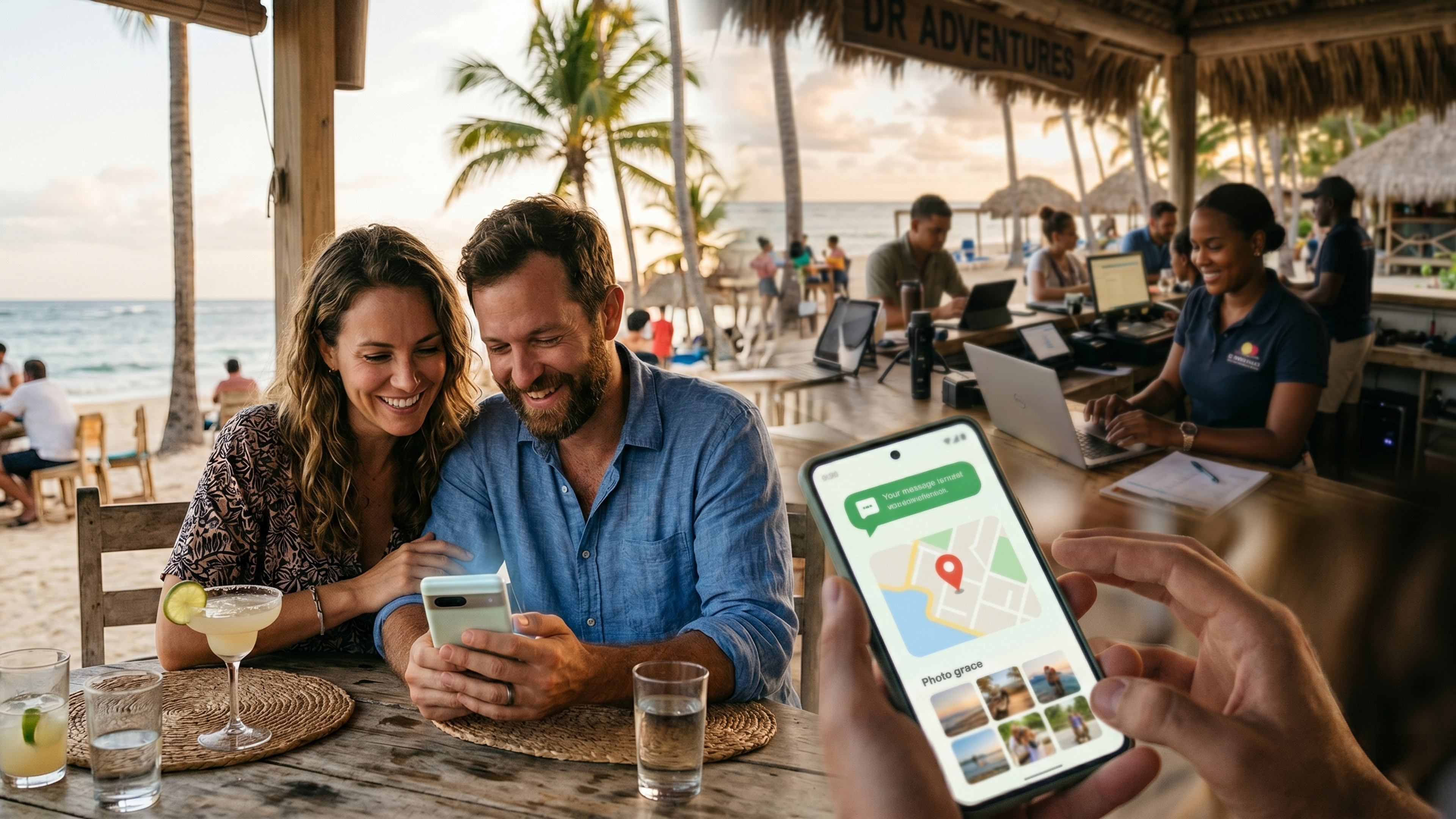
Ask almost any Dominican business owner what three digital tools they cannot live without, and you will hear the same answer: WhatsApp, Google Maps, and Instagram. WhatsApp is how customers actually talk to you. Google Maps is how they find you. Instagram is where they fall in love with what you offer. These three are not optional extras for a Dominican tourism or service business — they are the core of how the market discovers, evaluates, and contacts you.
So it is surprising how often these three are connected to a business's website poorly, or not at all. A WhatsApp number buried in tiny text instead of a one-tap button. An Instagram feed full of beautiful photos that the website never links to. A Google Maps listing that points to the wrong location, or to no website at all. Each of these is a leak — a place where an interested customer slips away because the connection that should have been effortless was not there.
This guide fixes that. It walks through how to connect all three to your website properly, why each one matters for a Dominican business specifically, and — just as importantly — the common mistakes that quietly cost you customers. There is a right way and a wrong way to do each of these, and the difference shows up directly in your bookings.
Before the how-to, one foundational point that determines whether you do this well.
WhatsApp, Google Maps, and Instagram are powerful, but they are channels that should feed your website, not substitute for it. A business that tries to run entirely on a WhatsApp number and an Instagram page — with no real website — is building on rented land, invisible to Google search, unable to present its full offering, and dependent on platforms it does not control. We make this case in detail in why WhatsApp is not a website. The right model is a professional website at the center, with these three channels connected to it: Instagram and Maps drive discovery, the website builds trust and presents everything, and WhatsApp makes contact effortless. Each channel does the job it is best at, all feeding a central hub you own.
With that settled, here is how to connect each one properly.
In the Dominican market, WhatsApp is not a "nice to have" contact option — it is the contact method. Customers, both local and international, are far more comfortable sending a quick WhatsApp message than filling out a formal contact form or making a phone call, especially international tourists who do not want to pay for an international call. A website that makes WhatsApp contact effortless converts dramatically better than one that hides the phone number and hopes for an email.
How to do it right. The foundation is a "click-to-chat" link, which opens a WhatsApp conversation with your business in a single tap, with no need to save your number first. The link uses a simple format — https://wa.me/ followed by your full number including the country code (1 for the Dominican Republic), and you can even pre-fill a starting message so the customer's chat opens with something like "Hi, I'm interested in booking a tour." On a well-built website, this powers a few key elements: a floating WhatsApp button that stays visible in the corner as visitors scroll, prominent "Message us on WhatsApp" buttons on your contact and service pages, and the click-to-chat behavior working perfectly on mobile, where almost all your visitors are.
For a business, use WhatsApp Business, not personal WhatsApp. The free WhatsApp Business app adds tools that matter: a greeting message for new chats, quick replies for common questions, away messages for after hours, business hours, and even a product catalog showing up to 500 services or items with photos and prices. It keeps your business conversations professional and separate from your personal ones.
You can also add WhatsApp to your Google listing. Google now lets eligible businesses show a WhatsApp button directly on their Google Search and Maps listing, so a customer can message you straight from the search result, before even visiting your site. Combined with the website button, this means a customer can reach you by WhatsApp at every stage of finding you.
The mistake to avoid. A WhatsApp link is only as good as your willingness to answer it. As one industry source puts it memorably, a click-to-chat link with no one responding behind it is like an open shop door with no staff inside — wasted traffic. The integration is the easy part; the discipline is responding quickly, because the entire advantage of WhatsApp is speed, and fast responses are exactly what drive the higher conversion rates it is known for. Set up the greeting and away messages so customers always get an immediate acknowledgment, and reply for real as fast as you can.
Google Maps — powered by your Google Business Profile — is how a huge share of Dominican customers find local businesses. A tourist searching "catamaran tour near me" or "restaurant Bávaro" sees the Maps results first, often before the regular website links. If you are not there, or your listing is wrong, you are invisible at the exact moment of highest intent.
How to do it right. The connection between your website and Google Maps runs in both directions, and both matter. First, your Google Business Profile must exist, be claimed, be verified, and link to your website — with your business name, address, phone, and hours exactly consistent with what is on your site (inconsistent details confuse both customers and Google's ranking signals). Second, your website should embed a Google Map on your contact page so visitors can see exactly where you are and get directions in one tap. Third, your website and your Maps listing should reinforce each other: the listing drives discovery and sends visitors to your site, while your site encourages happy customers to leave the Google reviews that make your listing rank higher and look more trustworthy.
Why this matters so much in the DR. For a location-based business — a dive shop, a restaurant, a venue, a tour operator with a physical office — the Google Business Profile is frequently the single biggest source of new local customers. We cover the whole topic, including why businesses fail to appear, in why your business doesn't appear on Google Maps.
The mistake to avoid. The most common and damaging Maps mistakes are an unclaimed or unverified listing (which you cannot control and which may show wrong information), inconsistent contact details between your listing and your website, and ignoring reviews. Reviews are not optional decoration — they are a major ranking and trust factor, and a listing with recent, responded-to reviews dramatically outperforms a neglected one. Claim it, keep it accurate, and tend to your reviews.
For a visual Dominican business — and most tourism businesses are intensely visual — Instagram is where potential customers first see what you offer and feel the pull of it. The beautiful catamaran at sunset, the wedding on the beach, the plated dish, the villa's infinity pool. Instagram is your shop window. But a shop window only works if it connects to a door customers can walk through, and that door is your website.
How to do it right. The connection between Instagram and your website should flow both ways. From Instagram to your site: your Instagram bio should contain a clear link to your website (this is the single most important link on your entire profile, since it is the main path from discovery to booking), and you should use it actively, pointing posts and stories toward booking. From your site to Instagram: your website should link to your Instagram profile and, ideally, display a feed of your recent posts, so visitors see your latest, liveliest work and social proof without leaving your site. You can also connect Instagram to your Google Business Profile under its "social profiles" section, so people who find you on Maps can browse your recent photos and guest experiences before they decide.
Why this matters in the DR. International tourists planning a trip spend weeks browsing Instagram for inspiration before they book anything. If your Instagram is strong but disconnected from a website where they can actually book, you are generating desire and then dropping it. The Instagram-to-website connection is where visual interest becomes a real inquiry.
The mistake to avoid. The classic error is treating Instagram as the destination rather than the doorway — pouring effort into beautiful posts but never linking them to a website where the customer can take the next step, so all that attention leaks away. The other mistake is the reverse: a great website that never showcases the lively, current, trust-building Instagram presence that would reassure a hesitant visitor. Connect them, and each makes the other more effective.
When these three are connected to your website correctly, they form a smooth journey rather than three disconnected islands.
A tourist sees a stunning photo of your business on Instagram and taps the link in your bio. They land on your fast, professional website, where they explore your services, see your prices, read reviews, and build trust. They want to know exactly where you are, so they tap the embedded Google Map and see you are perfectly located. They have a question before booking, so they tap the WhatsApp button and get a friendly, fast reply. They book. Every step flowed naturally into the next, with no dead ends and no friction.
Now picture it disconnected: the Instagram bio has no link, so the inspired tourist has nowhere to go. Or they find you on Maps but there is no website to build trust. Or they want to ask a question but there is only an email form they will not bother filling out. Each disconnection is a place the journey breaks and the customer leaves. The integrations are what keep the journey whole.
This is also exactly the kind of thing that should be verified before a site goes live — that every one of these connections actually works on the live site, on a real phone — which is why it appears on our website launch checklist.
None of these integrations is technically difficult on its own. What matters is doing all of them, doing each one correctly, and making sure they genuinely connect into the smooth journey described above rather than sitting as disconnected pieces. On a professionally built website, all of this is designed in from the start: the floating WhatsApp button, the embedded map, the live Instagram feed, the consistent contact details, the click-to-chat links that work flawlessly on mobile.
At DR Web Studio, we build these connections into every site as standard, because for a Dominican business they are not extras — they are how the market actually finds you, trusts you, and reaches you. We make sure your WhatsApp is one tap away, your Maps presence is accurate and embedded, and your Instagram drives visitors to a website that turns their interest into bookings. It is all part of building a website that works as a connected hub rather than an isolated brochure.
If your WhatsApp, Maps, and Instagram are not properly connected to your website — or you do not yet have a website strong enough to be the hub they feed — request a free consultation. We will show you exactly where the leaks are in your current setup and how to turn three powerful but disconnected channels into one smooth path from discovery to booking.
Your customers are already on WhatsApp, Maps, and Instagram. The only question is whether those channels lead them smoothly to you — or quietly let them slip away.