Business Tips
How Do Dominicans Actually Find a Local Business?
Oct 3, 2026
11 min read
consumer behaviourWhatsApp
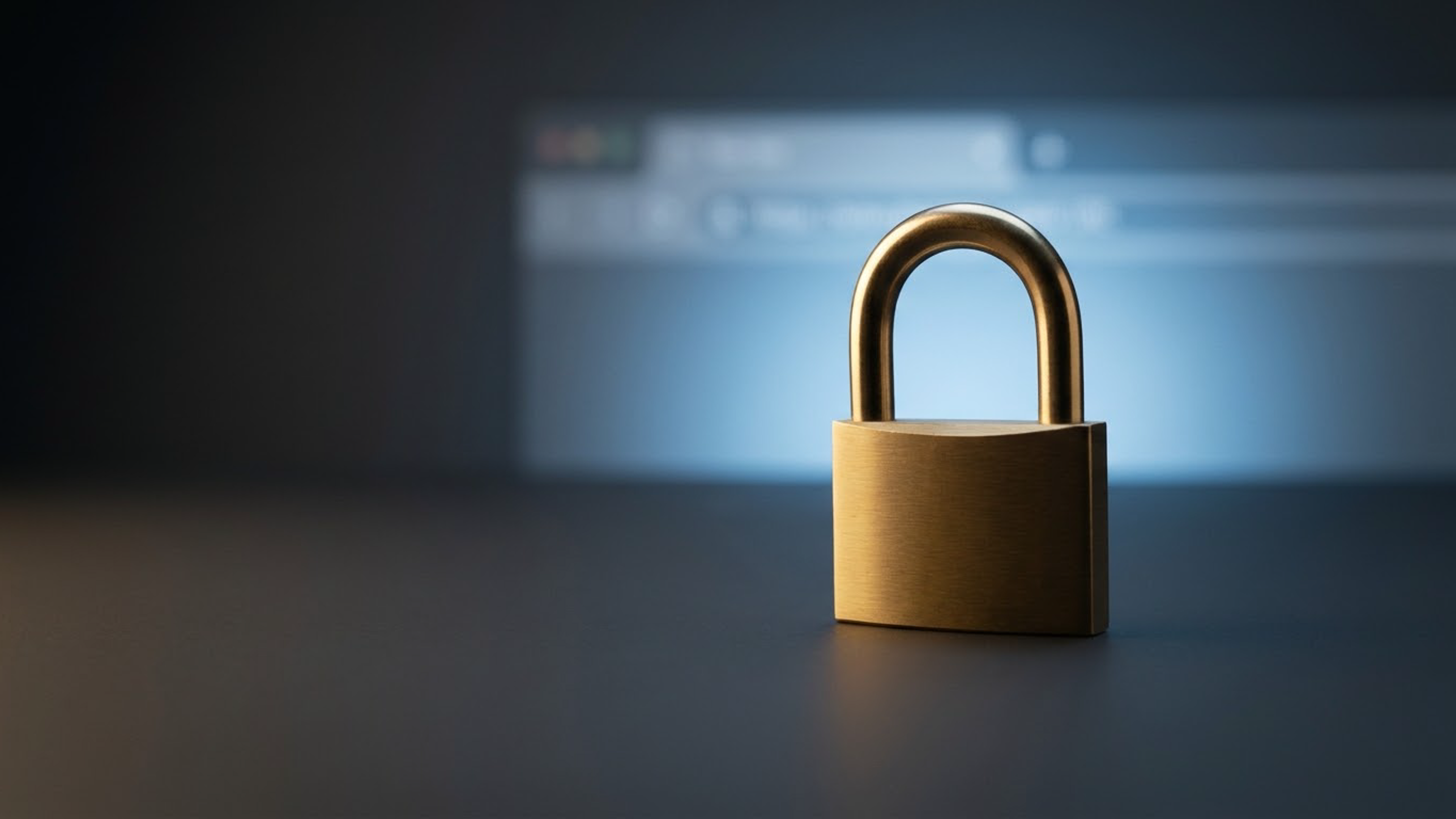
Read MoreThere's a small padlock at the left of your browser's address bar, and most people have never consciously noticed it. But they notice its absence instantly — because when it's missing, the browser replaces it with the words "Not secure," and a visitor who was about to fill in your contact form suddenly isn't. That single warning has ended more Dominican website visits than any design flaw. Here's what the padlock actually is, what it protects, what happens without it, and the handful of other security basics every business website needs — explained without the jargon.
The padlock indicates that your site uses HTTPS — an encrypted connection between your visitor's device and your website. Without it, information travels in plain readable form across every network in between: the café Wi-Fi, the mobile carrier, the various machines that route traffic across the internet. With it, that information is scrambled so only the visitor's browser and your server can read it.
What's actually at risk is anything typed into your site: contact form messages, names, phone numbers, email addresses, login details, and — critically — payment information. It matters most on any page with a form or a checkout, which for a business website is usually the most valuable page you have.
The certificate that enables this is called an SSL certificate (technically TLS now, though everyone still says SSL). It does two jobs at once: it encrypts the connection, and it verifies that your site is genuinely served by the domain it claims. That second part is why browsers treat it as a trust signal rather than just a technical feature.
For years HTTPS was a nice-to-have reserved for online stores. That changed decisively for two reasons.
First, Google made it a ranking factor. Google announced back in 2014 that it uses HTTPS as a ranking signal, and it has pushed the web toward encryption relentlessly since. A site without it is competing at a disadvantage before anything else is considered.
Second — and far more consequential day to day — browsers began actively warning users. Chrome, Safari, Firefox and the rest now display "Not secure" beside the address of any site without HTTPS, and show full-screen interstitial warnings in some circumstances. That is a browser telling your customer, in plain language, that your business looks unsafe. No amount of good design survives that impression, and most visitors who see it simply leave without ever learning what you do.
Here's the part that surprises business owners who assume this is expensive. Basic SSL certificates are free and have been for years — Let's Encrypt, a nonprofit certificate authority, issues them at no cost, and virtually every modern hosting platform installs and renews them automatically. On a properly built site there is no ongoing effort and no annual fee; the certificate renews itself in the background.
Which leads to an uncomfortable implication: if a Dominican business website is still showing "Not secure" in 2026, it isn't a budget problem. It's a maintenance problem — a site nobody has touched, or a host nobody has configured properly, which is exactly the kind of quiet decay we describe in why website maintenance isn't optional. The fix is usually an hour of work, and it should happen this week.
An important honesty check, because the padlock is widely misunderstood in both directions.
SSL secures the connection. It does not make your website secure. A site with a perfect padlock can still be hacked through outdated software, broken into via a weak password, or defaced entirely — the encryption protects data in transit, not the site itself. Nor does the padlock mean a business is legitimate: scam sites get free certificates just as easily as legitimate ones, which is why "it has a padlock, so it's safe to buy from" is bad advice. HTTPS is a floor, not a ceiling. It's necessary, it's free, and it is the beginning of security rather than the whole of it.
Beyond HTTPS, a business website needs a handful of unglamorous protections, and none of them require technical expertise from you — only that someone is responsible for them.
• Keep software updated. The single biggest cause of hacked small-business sites is unpatched software with publicly known vulnerabilities, which automated scanners hunt for continuously.
• Use strong, unique passwords with two-factor authentication on your hosting, your domain registrar, and your site's admin — and never share one login among five people.
• Keep working, tested backups. Not "backups exist" but "we have restored one and it worked." A tested backup turns a catastrophe into an afternoon.
• Limit who has access. Every dormant admin account from a former developer or employee is an open door. Remove access when people leave.
• Own your accounts. If your domain and hosting sit in someone else's name, you can't secure what you don't control — the ownership problem we cover in what hosting and domains actually are.
Worth being concrete, because "get hacked" sounds abstract until it happens. A compromised site typically gets used to serve spam, host phishing pages, or redirect your visitors elsewhere — and the consequences land on your business, not the attacker's. Google may flag your site with a warning screen or remove it from results entirely, erasing years of accumulated ranking. Your customers see security alerts with your business name attached. Email sent from your domain starts landing in spam folders. And cleanup — finding the entry point, removing backdoors, requesting review from Google — costs days and typically far more than years of maintenance would have. For a small Dominican business whose website is its main source of new customers, that's not an IT inconvenience; it's a month of lost trade.
One failure mode deserves its own warning because it's common and confusing: a site can have a valid certificate and still show a security warning. It happens when the page itself loads over HTTPS but pulls in something — an image, a font, an old script, an embedded map or video — over plain HTTP. Browsers treat that mixture as unsafe, because an attacker could tamper with the unencrypted piece, so they either block the element (leaving your page visually broken) or downgrade the padlock to a warning. The usual culprits are hardcoded links from an older version of the site, third-party widgets, or images uploaded years ago with full HTTP addresses. This is precisely why "we installed SSL" isn't the end of the job: after switching, every page needs checking, internal links need updating to HTTPS, and old content needs auditing. It's routine work for a developer and completely invisible to a business owner — until a customer mentions the warning they saw, which is the worst possible way to discover it.
Open your website on a phone and a computer and look at the address bar. Does it start with `https://` and show a padlock, or does it say "Not secure"? Then check a few inner pages, not just the homepage, since mixed setups are common. If you have a contact form or accept payments, confirm those specific pages are encrypted. If anything shows a warning, that's your most urgent website task — ahead of design, ahead of content, ahead of everything, because every visitor is currently being told your business looks untrustworthy before they read a single word.
At DR Web Studio every site we build ships with HTTPS configured and auto-renewing, sensible access control, and monitored backups — handled as part of the maintenance that comes free for the first year, so the padlock stays where it belongs without you thinking about it. If your site is showing "Not secure," or you're not sure who has access to it, contact us for a free consultation and we'll check it and fix what needs fixing.