
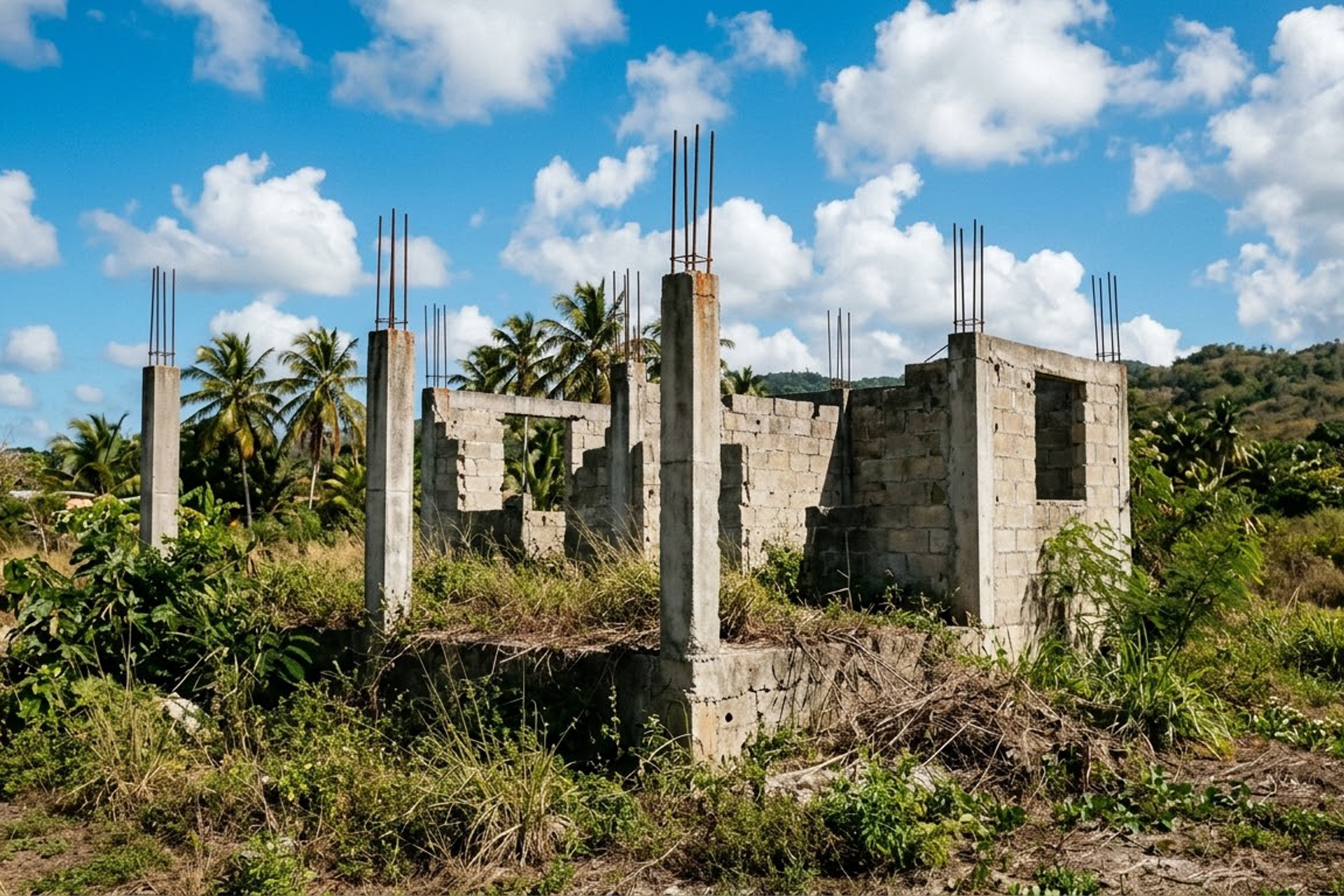
Web Design
Is Your Website \"Under Construction\" Forever?
Sep 17, 2026
9 min read
under constructionabandoned websites
Read MoreAlmost every business owner getting their first website hits the same wall of vocabulary: domain, hosting, DNS, SSL, nameservers. Someone quotes you an annual fee for one thing and a monthly fee for another, and you're not entirely sure what either of them is or why you need both. It's a genuinely confusing topic explained badly by an industry that assumes you already know — and that confusion has real consequences, because the most expensive website mistakes Dominican businesses make are ownership mistakes made at this exact stage. So here it is in plain language: what these things actually are, what they should cost, and the one rule that protects you.
Forget the jargon and picture a physical business.
• The domain is your street address. `yourbusiness.com` is what people type to find you — the equivalent of "Calle El Conde 52, Santo Domingo." It doesn't contain anything; it just points to where your business is. You rent it, typically year by year, from a registrar.
• The hosting is the land and the building's utilities. It's a computer somewhere in the world — a server — that's always on, always connected, storing your website's files and delivering them to anyone who asks. Without hosting, your address points to an empty lot.
• The website is the building itself. The design, the pages, the photos, the content — the thing your visitors actually experience, built once and standing on your hosted land.
That's the whole model. The address points to the land, and the building sits on it. Three separate things, three separate costs, and — this is the part that matters most — three things that can end up owned by three different people if you're not careful.
Real numbers, because vagueness here is how people get overcharged. A domain typically runs about US$10–20 per year for a `.com`. Dominican `.do` domains cost more and are administered locally, which is why many Dominican businesses use `.com` for international reach and add `.com.do` if they want the local signal. Domains renew annually and the price is essentially fixed — anyone charging you dramatically more is charging for the service of managing it, which is fine if disclosed and not fine if not.
Hosting varies enormously because it's genuinely different products. Cheap shared hosting starts around a few dollars a month; better managed hosting for a business site runs more; and modern sites built on current frameworks are often deployed to platforms whose costs are folded into a maintenance arrangement. The honest guidance: hosting is not where to hunt for the last dollar of savings, because it directly determines your site's speed and uptime, and speed drives both rankings and sales. Cheap, overcrowded shared hosting is one of the most common hidden reasons a Dominican business site feels sluggish on mobile.
The website is the one-time build cost — the actual project — and it's the number people usually mean when they ask what a website costs. The domain and hosting are the small recurring costs that keep it live.
Here is the single most important thing in this article. The domain and hosting accounts should be registered in your name, with your email, on accounts you control. Not your developer's account. Not your cousin's. Not "the guy who set it up."
This is the most common and most painful mistake we see. A business hires someone to build a site; that person registers the domain under their own account for convenience; years later the business wants to change developers, or the developer stops answering messages, moves abroad, or has a falling-out with the owner — and the business discovers it doesn't actually own its own web address. Whoever is listed as the registrant is the one with the rights: ICANN's registrant rules give the registered name holder the right to transfer, manage, and renew the domain, which is exactly why that name needs to be yours and not your developer's. The site, the email addresses on that domain, the SEO built over years, and the brand identity customers know are all effectively hostage. Sometimes it's resolved with an awkward conversation; sometimes with a payment; sometimes it's simply lost, and the business starts over on a new domain and loses everything it built. A professional developer will set these accounts up in your name and give you the credentials without being asked, because it's your asset. If anyone resists doing that, treat it as the serious warning sign it is.
Three more terms, briefly, so nothing sounds mysterious:
• DNS is the directory that connects your domain to your hosting — the system that translates "yourbusiness.com" into the actual server location. You don't manage it day to day; you just need to know it exists and that changing it is how a site moves between hosts.
• SSL certificate is what puts the padlock in the browser and the "s" in `https://`. It encrypts the connection so data — contact forms, payments — travels privately. It's usually free and automatic these days, and a site without one gets flagged by browsers as "not secure," which frightens customers off instantly. If your site shows that warning, fix it today.
• Email hosting is separate from website hosting, and worth its own line because professional email at your own domain (`info@yourbusiness.com` instead of a generic free address) is one of the cheapest credibility upgrades a Dominican business can buy.
Most website disasters trace back to this layer. Domains expire because the renewal notice went to an old email — set auto-renew on and keep the contact address current. Sites vanish because hosting lapsed or the host had no working backup — which is exactly why ongoing maintenance isn't optional. Businesses get locked out because they never had the logins in the first place — the ownership rule above. And sites run slowly for years because nobody realized the cheapest hosting tier was the cause. None of these are exotic technical failures; they're admin failures, and every one is prevented by knowing what you own and keeping the keys.
Whatever stage you're at, you can verify your position right now. First, look up your own domain in a public WHOIS lookup — many registrars and ICANN itself offer one — and see what registrant and organization it lists. If it's your developer's name, your agency's, or a privacy-service placeholder you didn't set up, that's your first conversation this week. Second, confirm you can actually log in to the registrar account yourself; "my developer has it" is not access. Third, check the expiry date and whether auto-renew is on, and make sure the contact email is one you still read — an expired domain can be resold within weeks, and buying it back, if it's even possible, costs vastly more than the renewal did. Fourth, confirm you can log in to the hosting account, or at minimum know who can and how quickly they respond. Fifth, ask where the backups live and whether anyone has ever restored one successfully. Five checks, five minutes, and they cover the failure modes that account for the overwhelming majority of website disasters. If any answer is "I don't know," that's not a crisis — it's just the item to fix before it becomes one.
Do you need to become an expert in any of this? No — and any developer who makes you feel you should is doing it wrong. The realistic goal is a business owner who understands the model well enough to ask three questions and recognize good answers: Is the domain registered in my name and do I have the login? Where is the site hosted and is it fast? Who renews these and what happens if that person disappears? If you can ask those, you're protected, and the technical management is a service someone else can competently handle for you. The knowledge isn't so you can do the work — it's so you can never be locked out of your own business's front door.
At DR Web Studio we register domains and set up hosting in the client's own name, hand over every credential as a matter of course, and manage the technical side as part of the ongoing maintenance and support that comes free for the first year — fast hosting, SSL handled, renewals tracked. If you're not sure who currently owns your domain, or you've inherited a setup nobody can explain, contact us for a free consultation and we'll untangle it and put your business back in control of its own address.